Reorder Your Products on Skip in Seconds
Your storefront just got more flexible.
You can now easily rearrange your products and services on Skip—so you can highlight what matters most, prioritize high-converting offers, or simply keep things organized the way you want.
Whether you’re selling products, offering services, or both, you’re now in full control of how they appear to customers.
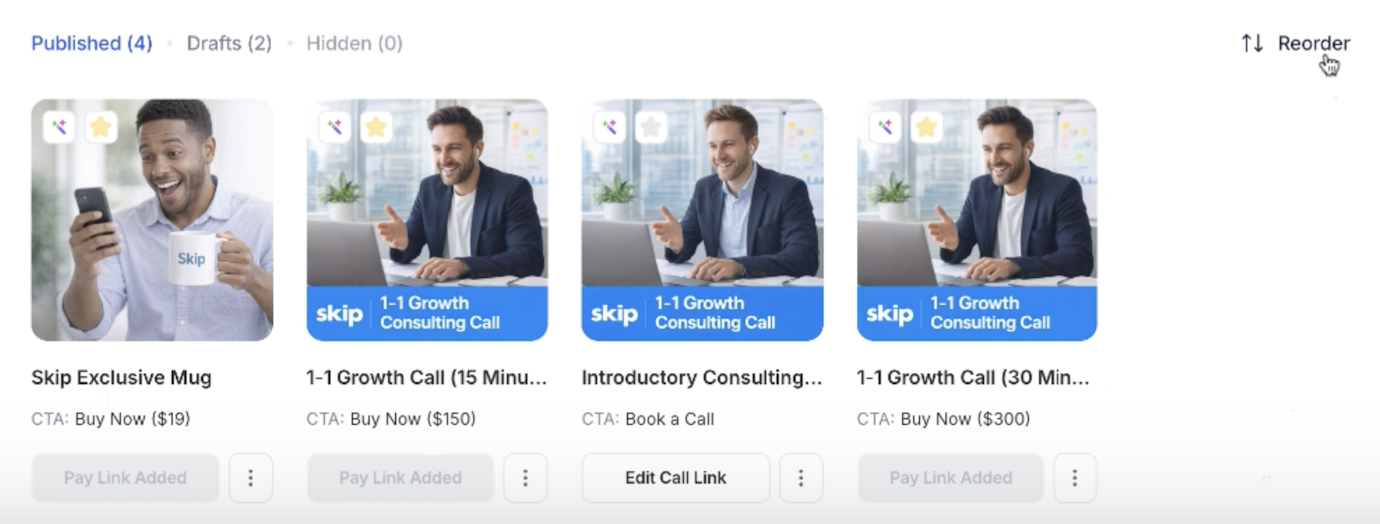
Click “Reorder” to Get Started
To begin, head to your Products page and click the Reorder button.
This opens a simple drag-and-drop view where you can visually organize your listings. You’ll see all your products and services laid out so you can quickly decide what should come first.
No complicated settings—just click and start arranging.
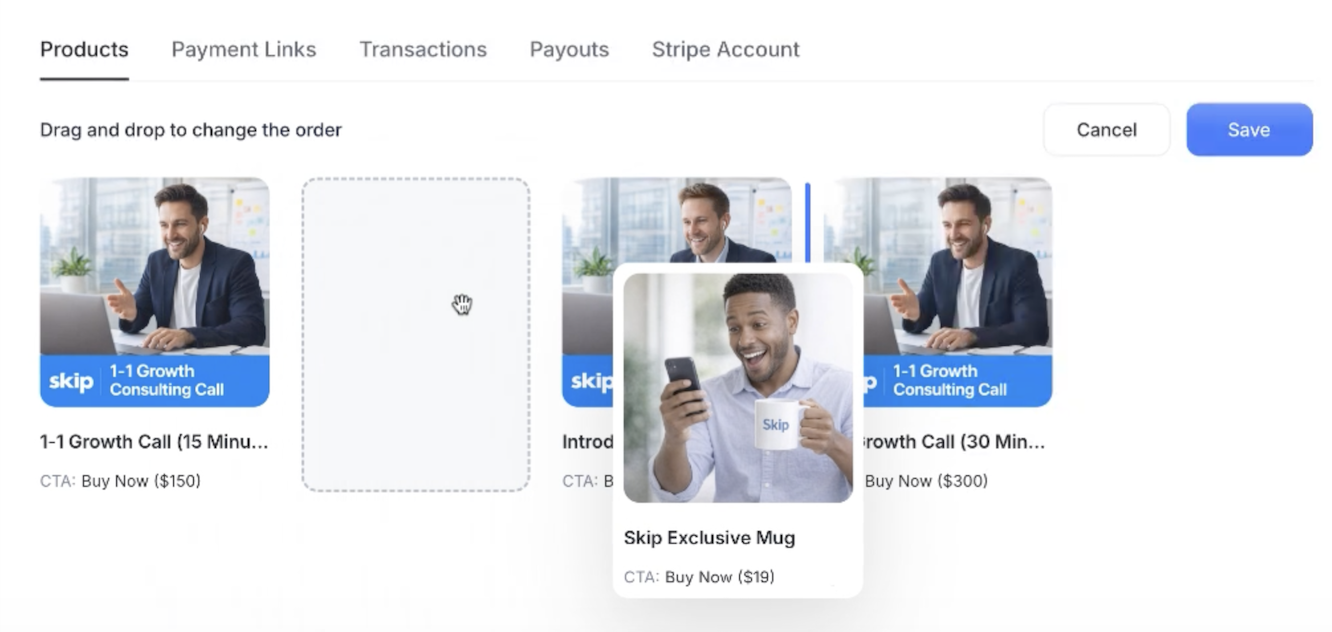
Drag, Drop, and Organize Your Listings
Once you’re in reorder mode, simply drag any product or service and place it exactly where you want.
Want to feature your highest-ticket offer first? Promote a new product? Group similar services together? Just drag and drop—it updates instantly in your layout.
This works for everything on your page, including:
- Products with “Buy Now”
- Services with “Book a Call”
- Any combination of your listings
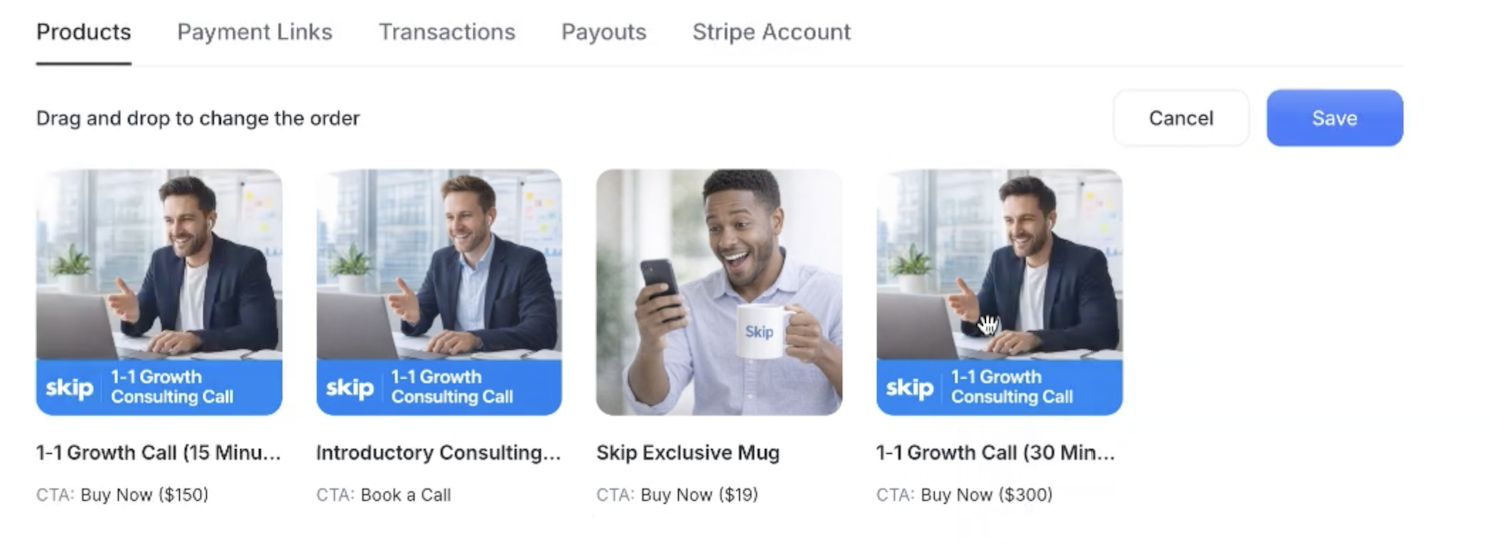
Save and Instantly Update Your Public Page
When you’re done, click Save. Your new order will immediately reflect on your public business page and website. No delays, no extra steps.
This means you can continuously optimize your storefront based on what’s performing best.
Built for Control and Conversion
The order of your products matters more than you think.
By putting your most compelling offers first, you can increase clicks, drive more conversions, and guide customers toward the actions you want them to take.
Combined with features like CSV import, AI-generated content, and flexible CTAs, Skip gives you everything you need to build and optimize your storefront—fast.
Reorder your products in seconds and start showcasing your business exactly the way you want.